Safe? Better-looking? Printed? Available to Grandma? Turned into a story that makes the group chat briefly emotional? Different apps. Different jobs.
The extremely short version
Apple Photos is the obvious home base on iPhone. Google Photos is the cross-platform one. Lightroom edits with precision. VSCO gives the roll a look. FamilyAlbum keeps relatives in the loop. Chatbooks puts it on paper. Memento finds the plot.
We checked current first-party product material on August 3, 2026. This is not a fake universal ranking. It is the answer to a better question: what are you trying to make?
- Keep everything: Apple Photos.
- Keep it across platforms: Google Photos.
- Edit one image seriously: Adobe Lightroom.
- Give a set a film-inspired look: VSCO.
- Share an ongoing family feed: FamilyAlbum.
- Make a printed book: Chatbooks.
- Turn one era into a story: Memento.
Apple Photos: the house
It is already there, deeply integrated with iPhone, and very good at being the place your full library lives. Albums, search, everyday edits, sharing, and iCloud synchronization cover most normal photo life without a new account.
Use it as the archive even if another app makes the final thing. A good specialist does not need to pretend it should also own the house.
Google Photos: the house with more doors
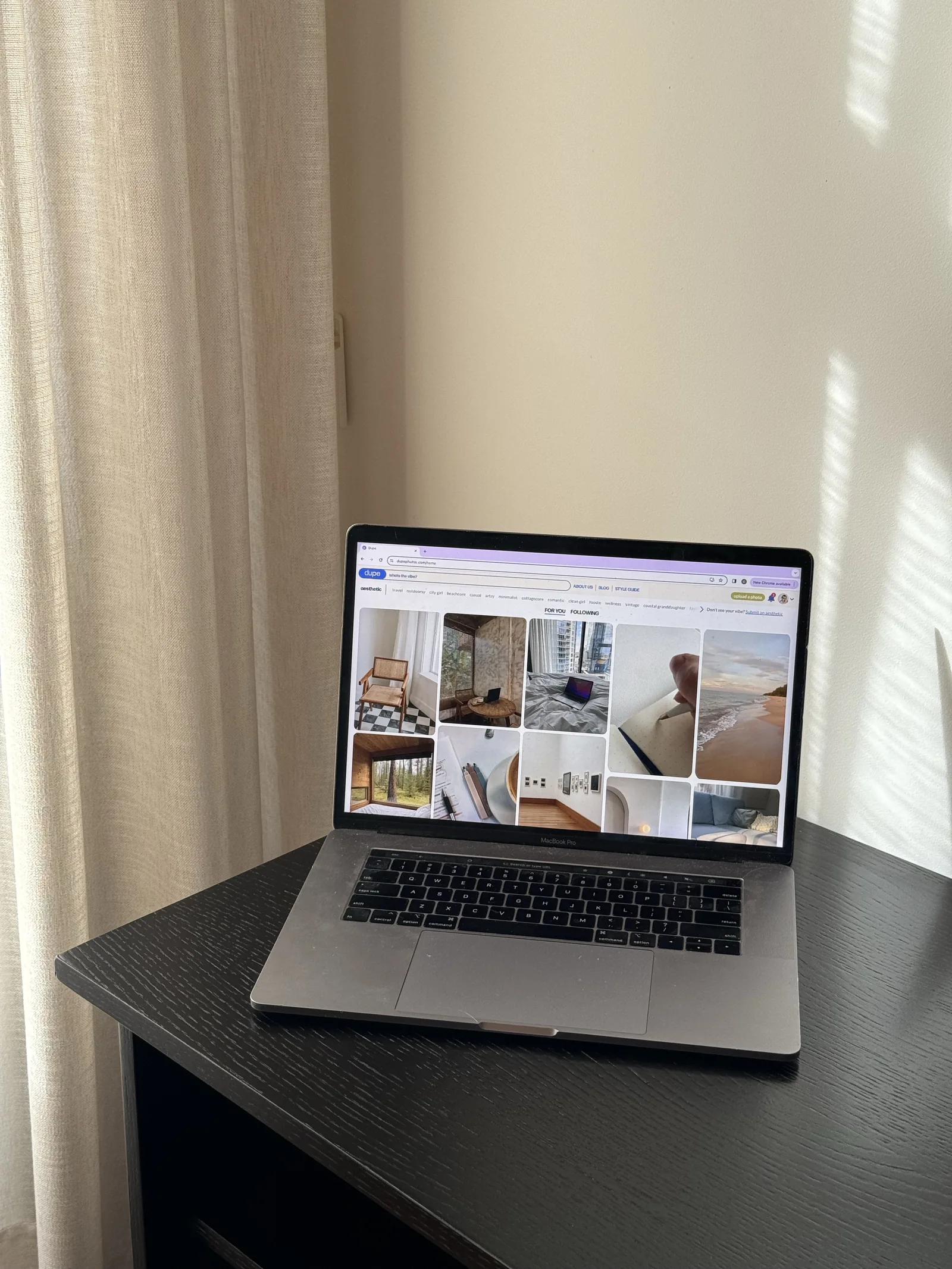
Google Photos fits a library that needs to follow you across Apple, Android, and the web through a Google Account. Backup, search, and automatic creations sit inside that larger cross-platform system.
Know which account is active and how deletion works before moving a giant library. “Backed up somewhere” is not a backup strategy; it is a sentence people say before a stressful weekend.
Lightroom: make one photo expensive
Lightroom is for changing the photograph itself: exposure, color, selective adjustments, removal, blur, presets, and a workflow that can continue on desktop.
It gives you control because you asked for control. If you do not want to make twenty-seven decisions per image, that is not a moral failure. It is simply a different app category.
VSCO: give the roll a visual accent
VSCO remains the cleanest answer when the point is a consistent film-inspired look. Presets, grain, tonal controls, recipes, and RAW support on compatible devices make a set feel visually related.
A look is not a story. It can make twelve images belong to the same world. It cannot decide why the world mattered.
FamilyAlbum and Chatbooks: invite them in or put it on paper
FamilyAlbum is built for an ongoing invited family audience, especially relatives who want a simple feed instead of another social network. Chatbooks is built for the opposite kind of permanence: a physical book that arrives and sits somewhere.
Ask whether the album should keep changing on screens or become an object. That answer makes the choice for you.
Memento: find the plot
Memento is for the era currently trapped between “I should do something with these” and a folder nobody else will open. The trip, wedding, summer, friendship, or year comes back through its people, places, running bits, visual patterns, and final scene.
You get twelve cards with a point of view. Not storage. Not filters. Not a blank template. The strange pleasure is seeing your own life edited well enough to become jealous of it.
Receipts
App details were checked against first-party sources on August 3, 2026. Products change. The links below are the current word from the people who make them.