Memento field notes

What do you want to remember?

Start with the thing that just happened: the wedding, birthday, trip, friendship era, graduation, anniversary, or year you do not want to leave buried in Photos. Each answer shows what to select and how Memento turns it into a finished story.

05 answers

Trips, weddings, graduation, and yearly recaps

Start with the event or life chapter you want to turn into something finished.

01How do you turn your camera roll into a year recap?

Turn your camera roll into a 12-card year recap with Memento by choosing one defining chapter, recurring details, meaningful changes, and a real ending.

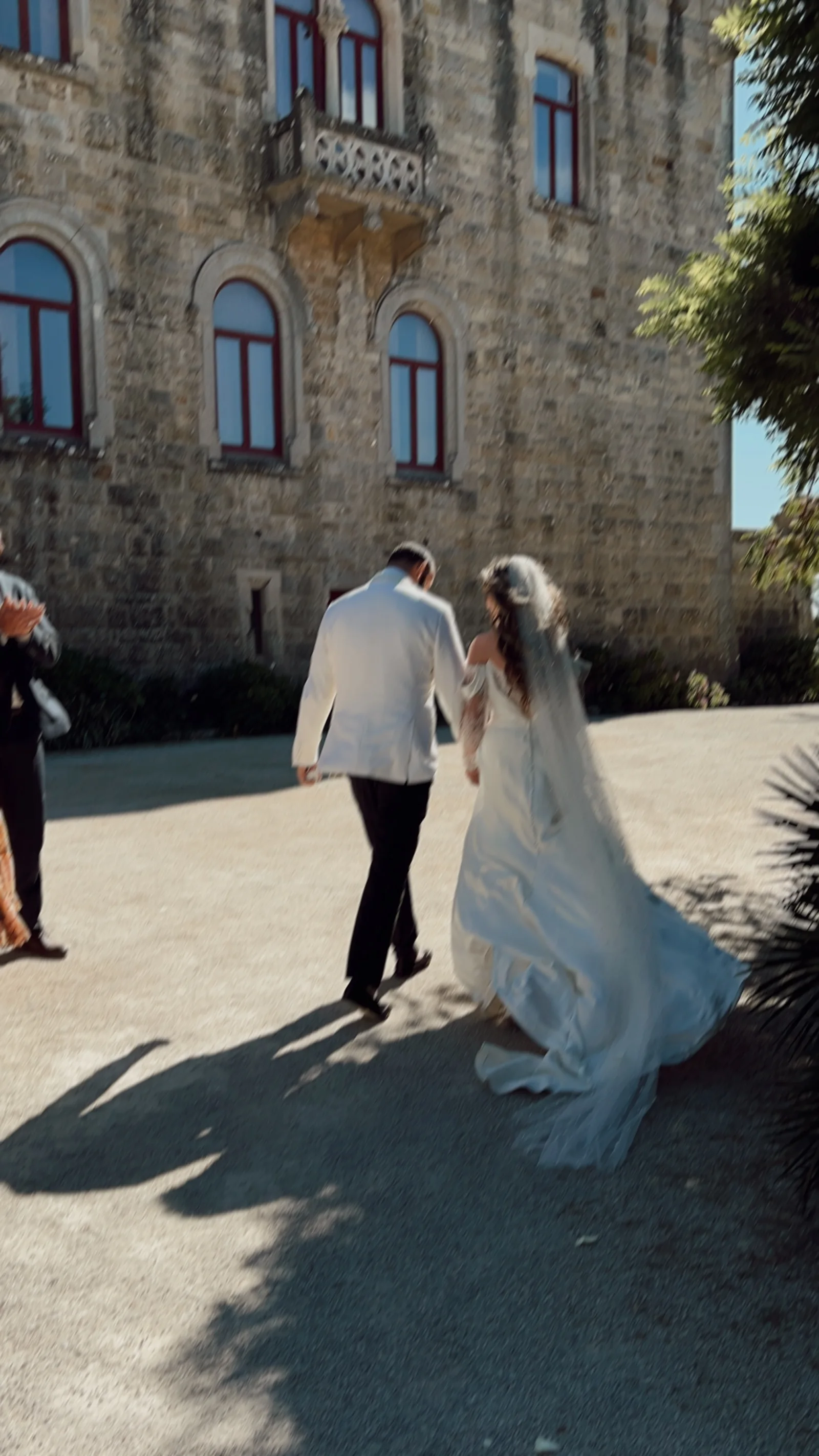
02What should you do with all your wedding photos?

Turn 50–150 wedding and wedding-weekend photos into a polished 12-card story with Memento—made for saving, sharing, and revisiting on iPhone.

03What should you do with hundreds of vacation photos?

Turn hundreds of vacation photos into a concise 12-card travel story with Memento instead of leaving them in a camera-roll folder or generic slideshow.

04What can you make with graduation photos?

Turn graduation, senior-year, campus, friendship, and ordinary school photos into a complete 12-card Memento recap for iPhone.

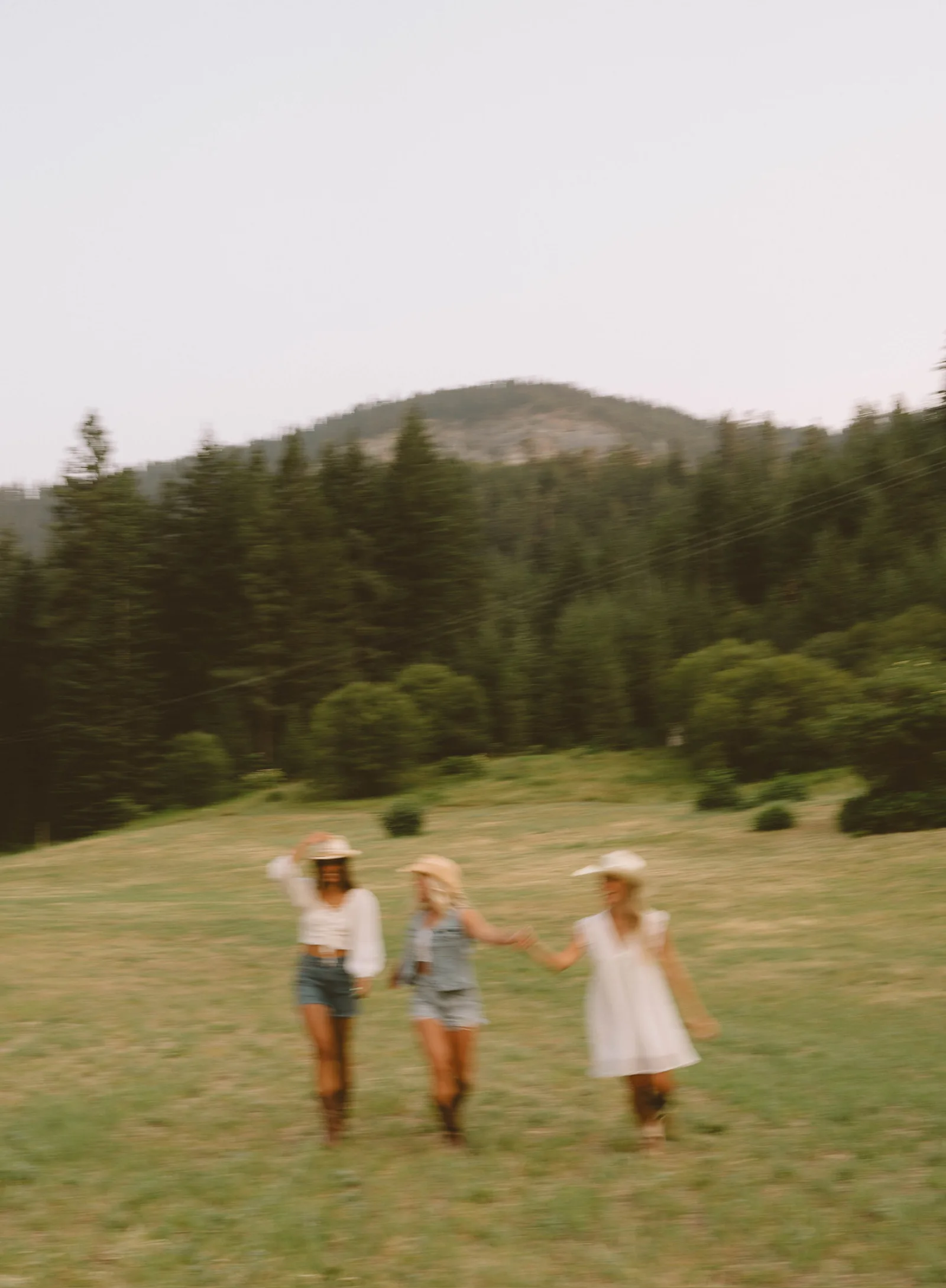
05How do you make a girls’ trip photo recap?

Turn 50–150 girls’ trip photos into a polished 12-card Memento recap with candid moments, recurring jokes, places, and the journey home.

04 answers

Photo gifts that feel personal

Make a birthday, anniversary, friendship, or last-minute digital gift from photos you already share.

02 answers

Better things to make from a camera roll

Move beyond an unordered photo dump or another forgotten folder.

02 answers

Choose stronger photos

Practical selection methods that give Memento enough context, rhythm, and privacy boundaries.

03 answers

Choose the right photo app

Compare storage, editing, albums, printing, and Memento’s story-led recap format by the result you need.

Start with the reason, not the app

You should not need to know the phrase “editorial photo recap” before finding Memento. You know the outcome you want: a wedding keepsake, a birthday gift, a better vacation recap, or something more meaningful than another photo dump. The guides begin with those real questions.

Memento is for the moment when a camera-roll chapter means too much to leave as a folder. It brings back the people, places, patterns, and tiny details as a finished story that feels unmistakably yours.

What Memento does with the photos

You choose one era through Apple’s photo picker. Memento shapes the selected photos into twelve ordered 9:16 cards with editorial pacing, varied layouts, and a real ending. You do not need to arrange the photos, write captions, or design a template.

The first complete Memento is included. Originals remain in Apple Photos, and the website never asks you to upload a camera roll. Finished Mementos remain private unless you deliberately share them.

Protect what was never meant to be public

Selection is also a privacy pass. Remove private messages, receipts, boarding passes, medical or financial documents, home addresses, and any image that would make someone in the frame uncomfortable if it appeared in a shared recap. A beautiful story is not worth exposing a person who did not expect to become content.

Memento performs additional bounded safety filtering, but the owner’s judgment remains the most important review before any card is posted or published.